


Monthly
$14.99
per month
Everything you need to publish, billed monthly. Cancel anytime.
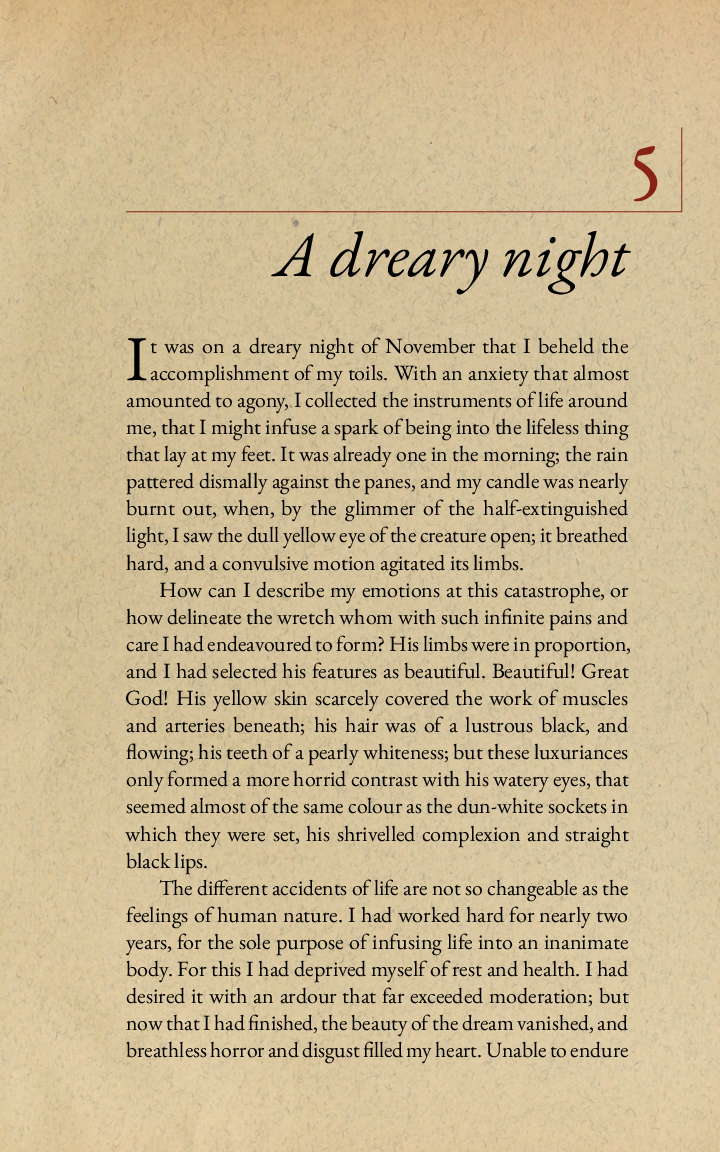
Frankenstein never looked this classic.
Now your book can.
Bring your Word file, pick a style, and export a paperback for KDP or IngramSpark and an ebook for Kindle, Apple Books and Kobo.
Aya Folio is coming soon for Mac, Windows, Linux, iPad and Android. Pick yours, leave your email, and we’ll write once, when it’s ready. Free to try.
Exports ready for
The editor
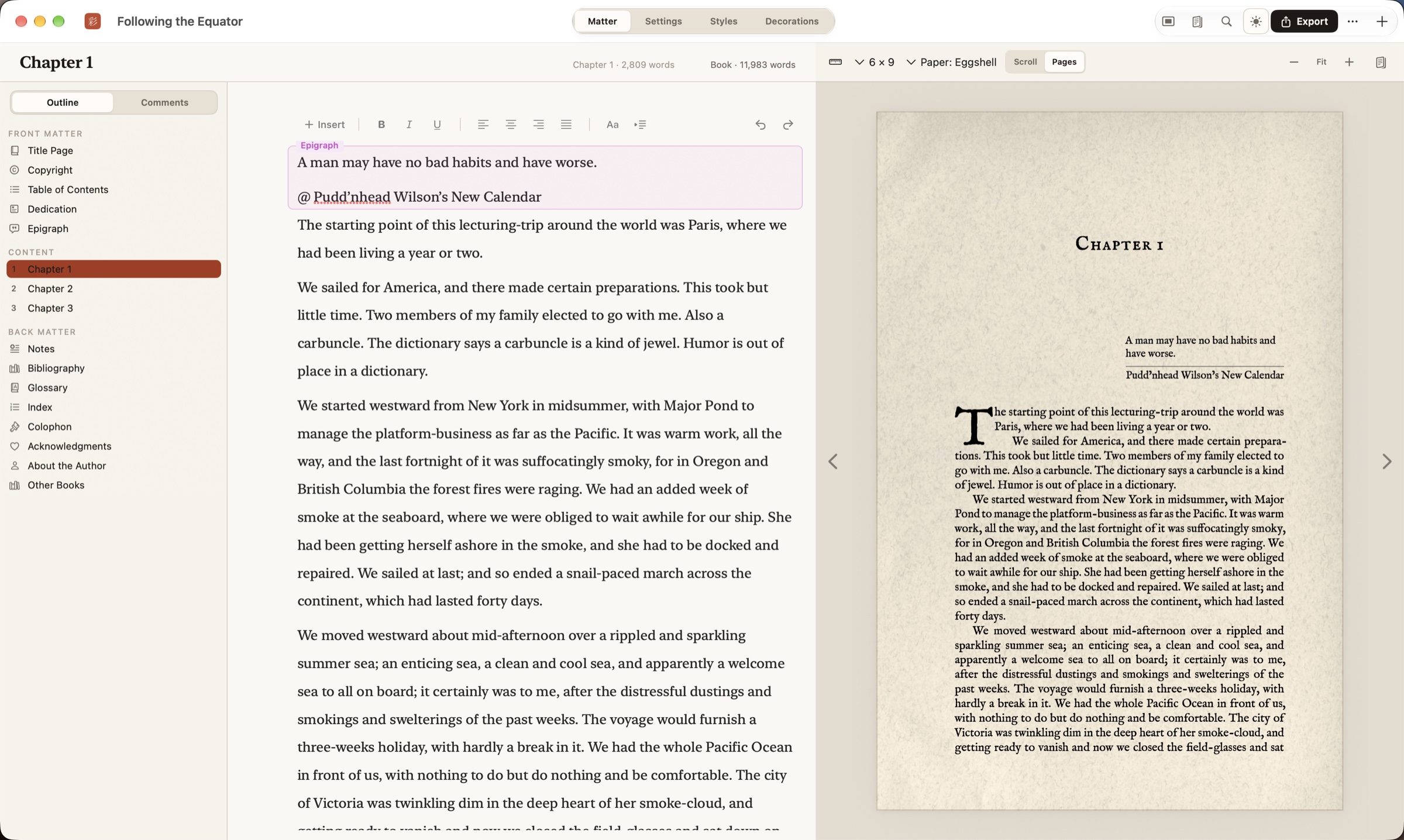
Front matter and chapters, drag to reorder.
Write or paste. Styles are one click, not fiddly formatting.
The exact page you’ll print, updated as you type.
Styles
Drop caps, scene breaks, footnotes, verse, letters. Pick a style to preview it below.
01 / 15
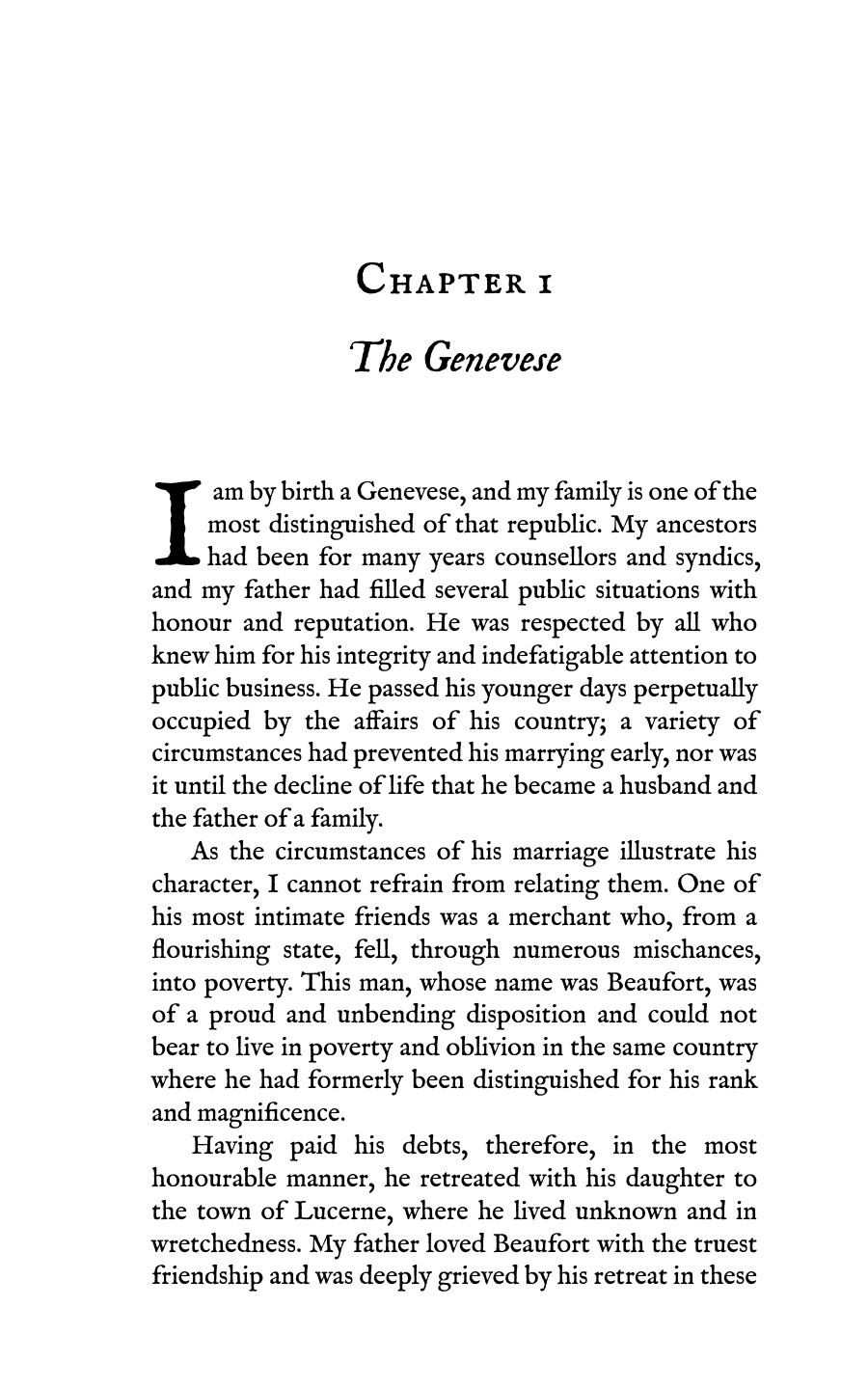
How each chapter starts: the number, the title and a drop cap.
Chapter 1
The Genevese
I am by birth a Genevese, and my family is one of the most distinguished of that republic…
Add a chapter, name it, and start typing. The opening comes with the style.
Decorations
For chapter openings, drop caps, scene breaks, corners and margins. Included with Aya Folio, and royalty-free in the books you publish and sell.
Genres
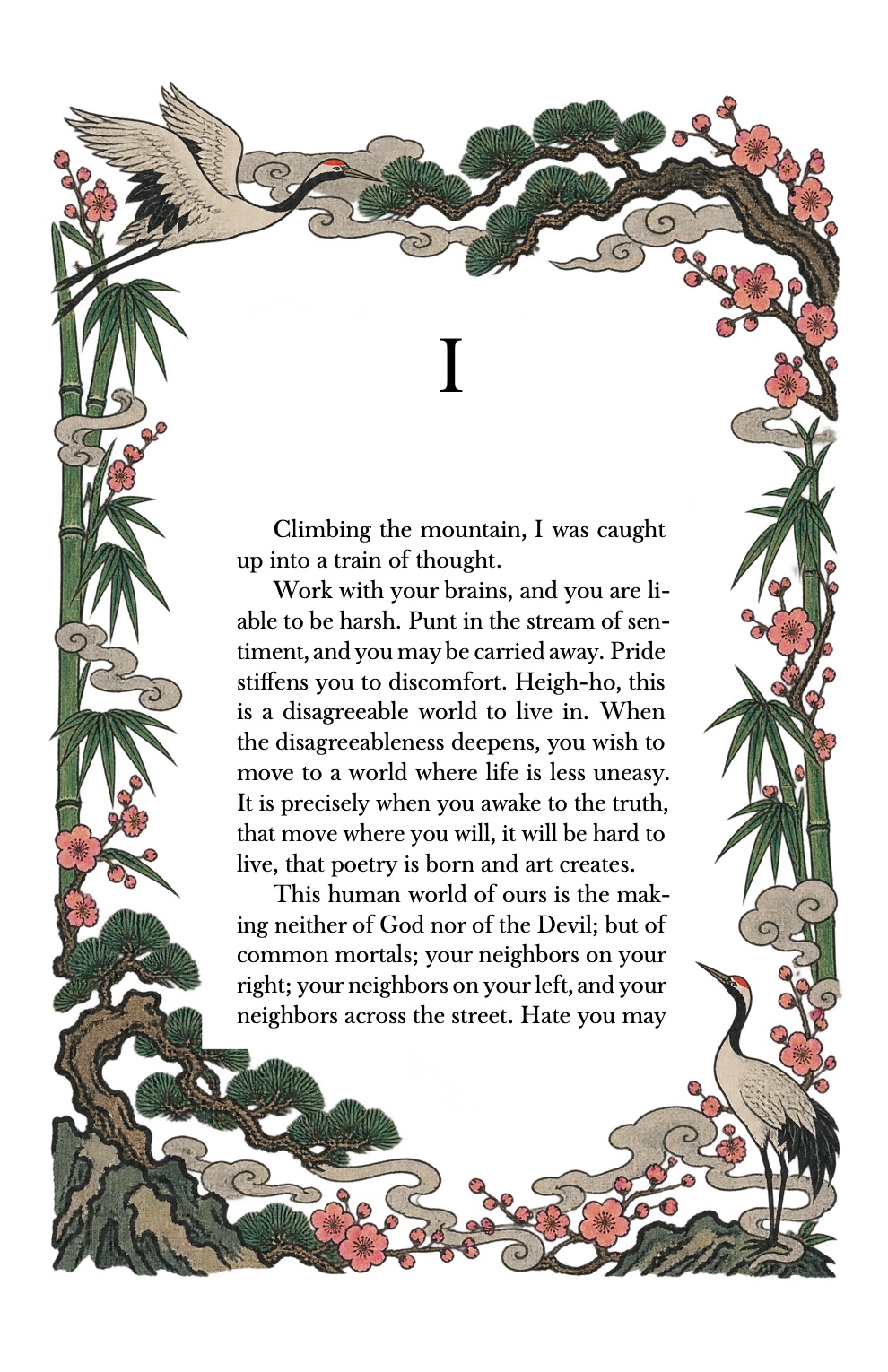
Japanese fiction · Set in Orchard with Brush ink decorations
Ebooks
Your own style
Tweak a style until it’s yours and save it for next time. Use our 70-odd typefaces, or add your own.
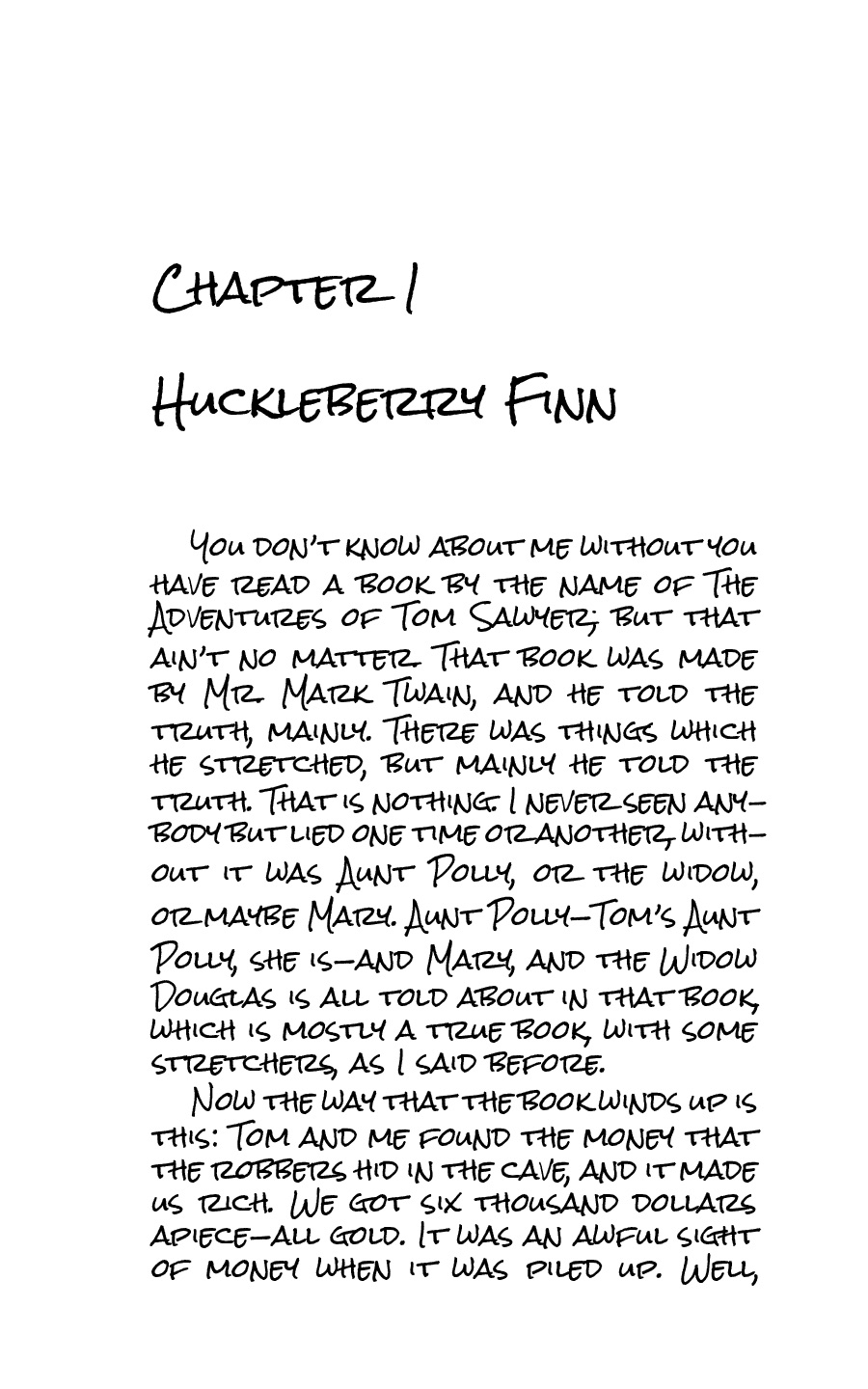
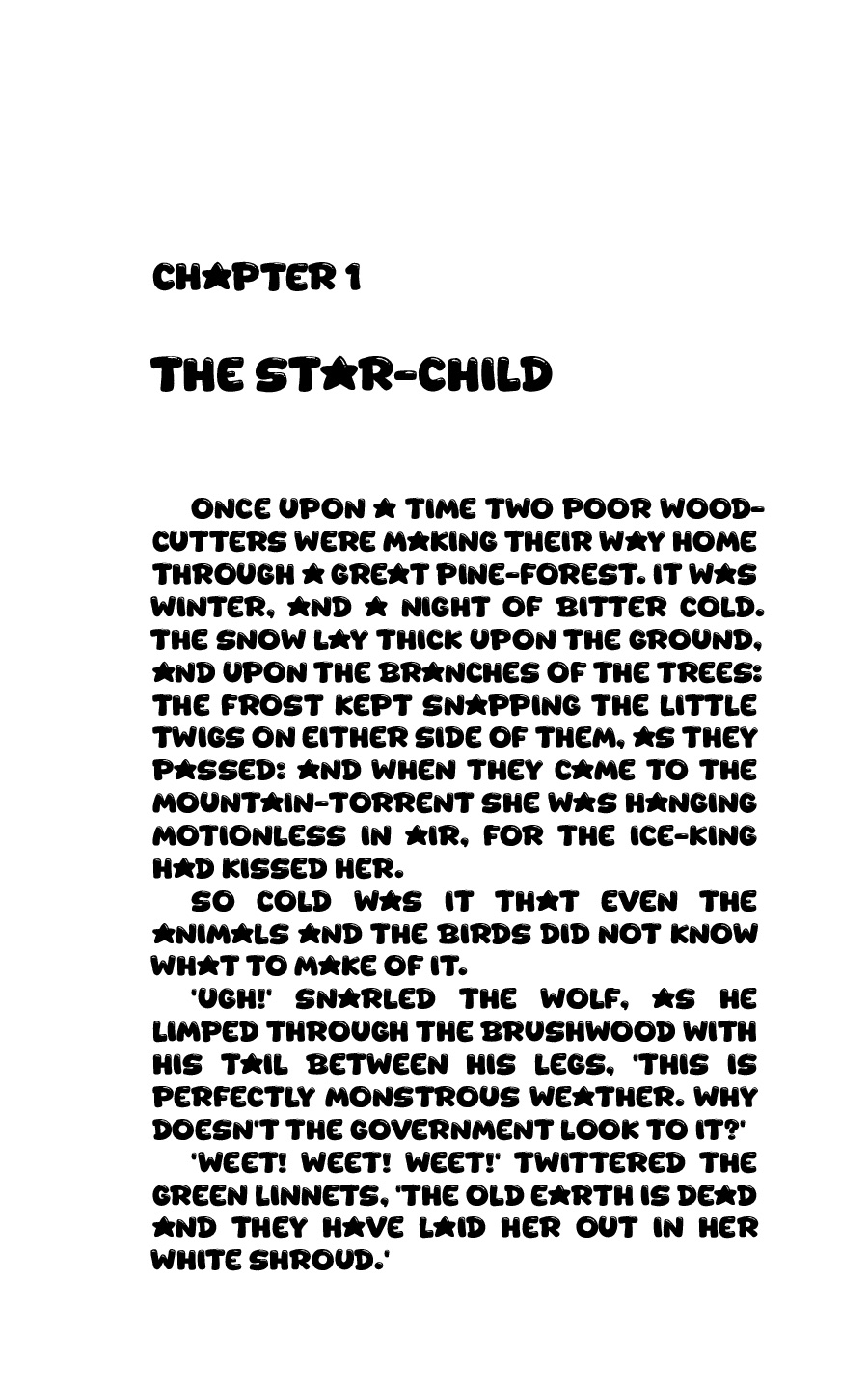
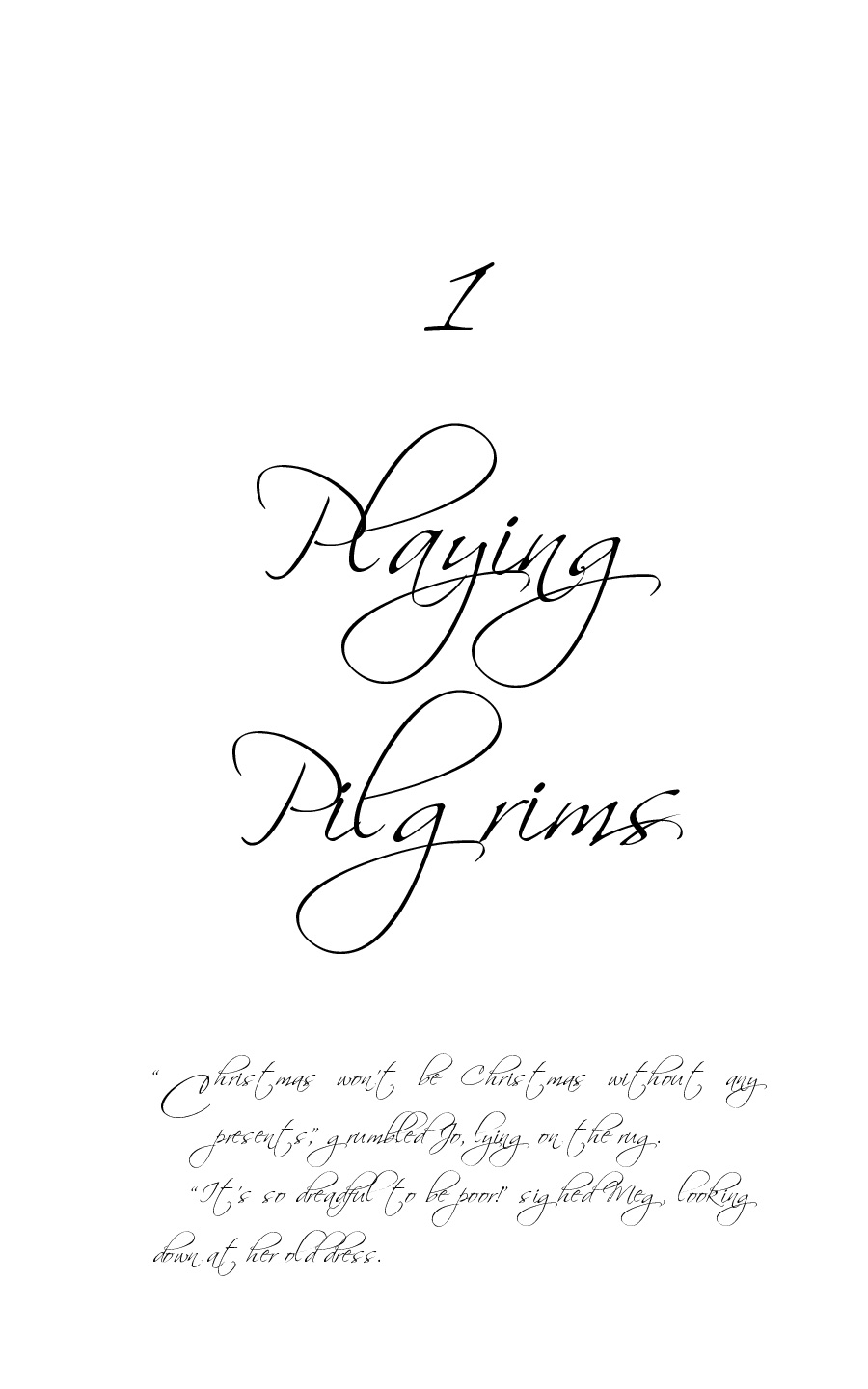
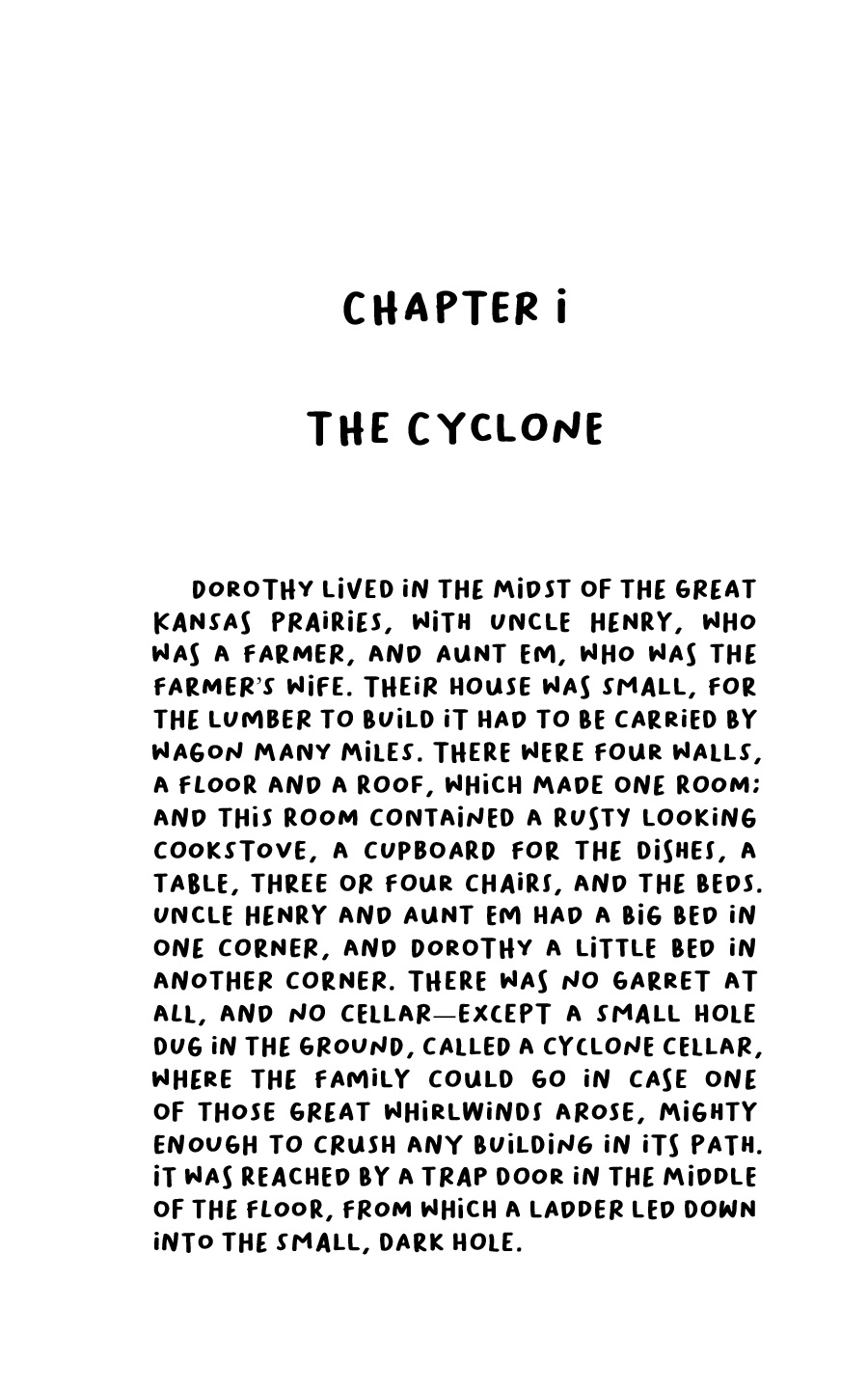
Languages
Pick your book’s language and words break where they should, even right to left.


Command line
Design your style once in the app. Then aya, the command line that comes with it, turns each new draft into print and ebook files in that style, without opening the app.
# Print: a PDF/X for IngramSpark or KDPaya typeset novel.docx --style "My novel" --format pdfx# Ebook: an EPUB for Kindleaya typeset novel.docx --style "My novel" --format epub --platform kindle
To install it, choose Install Command Line Tool… in the Aya Folio menu. Typesetting a file needs a plan, as exporting does in the app.
Pricing
Questions
Twenty standard sizes, among them 5 × 8, 5.5 × 8.5 and 6 × 9, four large-print sizes, or any size of your own from 4 × 6 to 12 × 17 inches.
Chapters, italics, bold, scene breaks, footnotes and endnotes come across as you wrote them. You see the whole book before you pay anything.
Yes. Download it free and import, style and preview your whole book for as long as you like. Subscribe when you’re ready to export.
Aya Folio runs on a monthly plan as well as for life, imports Markdown and AsciiDoc, makes fixed-layout ebooks, and has a command line. See the full comparison.
Monthly covers it, and you can cancel anytime. If you’ll be fixing typos after launch, adding an “Also by” page or writing the next one, yearly or lifetime works out cheaper.
Your books stay on your Mac, and you can still open, edit and preview them, with a watermark on the preview. Subscribe again whenever you need new files.
Yes. Your books are yours, and the fonts and decorations that come with Aya Folio can be used in books you publish and sell.
Yes. Every plan covers as many books as you like, under your own name or a pen name.
Every plan covers up to three of your computers (Mac, Windows or Linux) and two of your tablets or phones (iPad or Android) at a time. To move to a new one, disconnect an old one on your account page.
No. Every plan has the full app. You’re only choosing how to pay.
Aya Folio for life, with every update we release. No renewals and no upgrade fees.
Yes: Aya Folio is coming soon for Mac, Windows, Linux, iPad and Android. Choose Notify me and we’ll email you once, when the version for your system is ready.
Free to try
Coming soon for Mac, Windows, Linux, iPad and Android
$14.99
per month
Everything you need to publish, billed monthly. Cancel anytime.
$79
per year
For a series, or more than one book a year. Less than half the monthly price.
$199
once
Pay once. Every update, for life.
The plans open when Aya Folio is out. Leave your email and we’ll write once, when it’s ready for yours.
Every plan has everything: unlimited books, print and ebook files, every style and every decoration. Vellum costs $249.99 up front for print and ebooks; Aya Folio starts at $14.99 a month, or $199 once, for life. See how they compare →